
What You'll Learn
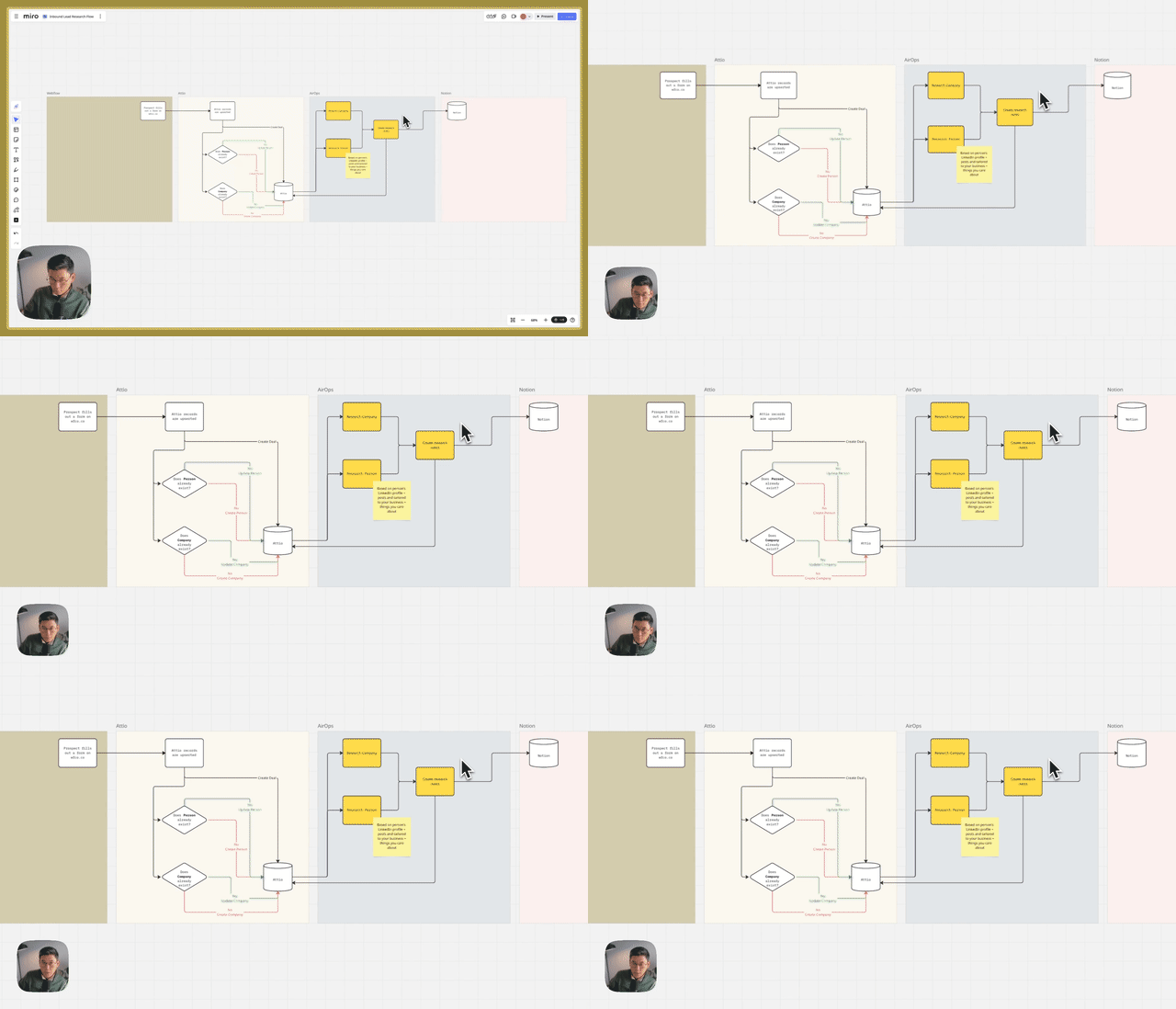
Create a production-grade person research workflow that analyzes LinkedIn profiles and posts, then assesses fit against dynamically loaded company context. Uses Attio for triggering, Trigger.dev for orchestration, Mastra for agentic AI, and LangFuse for observability.
Why This Matters
- Multi-Client Architecture: Swap company context without rebuilding workflows
- Production Observability: Full traces in LangFuse for debugging and iteration
- Composable Foundation: Add outbound messaging, company research as modules
Key Steps Covered
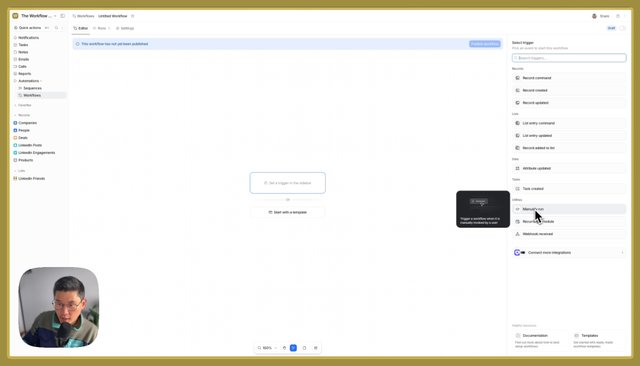
- List Trigger – Add people to Attio list, send to Trigger.dev
- Data Fetch – Pull LinkedIn profile and recent posts via custom API
- Context Injection – Load company context by client ID from database
- AI Analysis – Generate research with career, content, pain points, fit assessment
Tools & Integrations
- Attio: CRM with list-based automation trigger
- Trigger.dev: Workflow orchestration with durable execution
- Mastra: TypeScript-native agentic framework
- LangFuse: LLM observability and tracing
Common Questions
Q: Why use Trigger.dev instead of N8n or Clay? A: Full observability, traces, and logs for iteration. Code-based workflows offer more control than visual builders. The upfront investment in architecture compounds as you add modules.
Q: How does dynamic company context work? A: Store company context (personas, messaging, ICP criteria) in a database. Pass client ID to workflow, load relevant context, inject into prompts. Update context centrally—all workflows automatically use latest version.