Attio Workflows: Building Automation with Triggers, Actions, and Conditions
Master Attio's workflow builder with this comprehensive overview. Learn triggers (webhooks, record events, manual commands), action blocks, conditional logic, loops, and how to integrate external tools via HTTP requests.
Attio
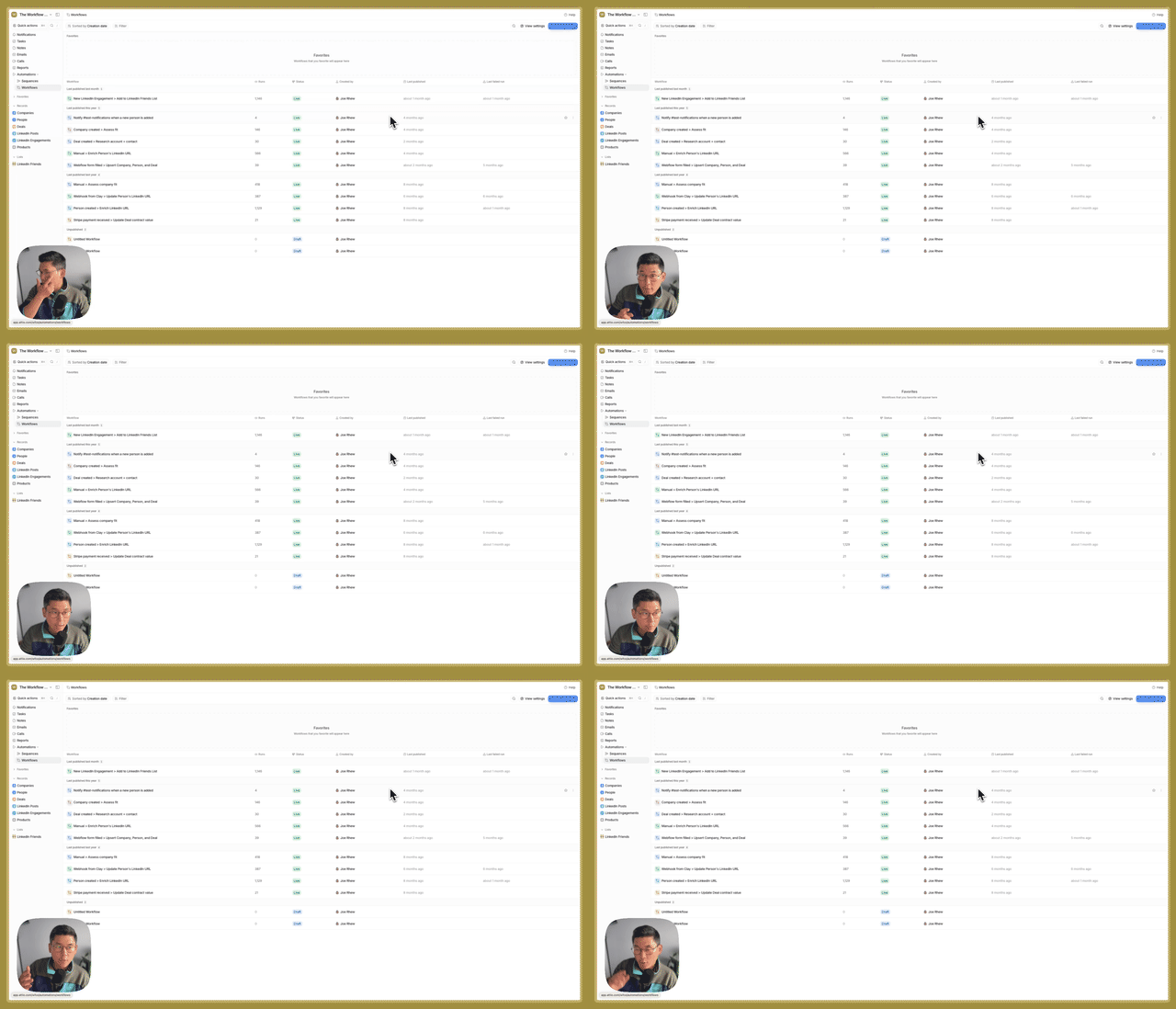

What You'll Learn
Get a high-level understanding of Attio's workflow automation engine. Learn the trigger types, action blocks, conditional logic, and integration patterns that power automated go-to-market operations.
Why This Matters
- Automation Foundation: Understand the building blocks before building complex workflows
- Integration Ready: Connect Attio to Clay, AirOps, and other GTM tools
- Manual + Automatic: Combine triggered automations with on-demand record commands
Key Steps Covered
- Trigger Types – Webhook received, record created/updated, manual invocation, record commands
- Action Blocks – Create/update records, sequences, tasks, notes
- Conditional Logic – Filters, if/else, switch statements for routing
- HTTP Requests – Send data to external tools and receive responses
Tools & Integrations
- Attio: Native workflow builder
- External Tools: Clay, AirOps, custom servers via webhooks
- Slack: Notification integration
Common Questions
Q: What's the difference between a filter and if/else? A: Filters stop the workflow entirely if conditions aren't met—useful for ICP gating. If/else allows branching to different actions based on conditions without stopping the flow.
Q: When would you use delay blocks? A: When subsequent actions depend on previous steps completing. For example, wait 10 seconds after deal creation before creating a note on that deal—gives the system time to fully create the record.
Build This for Us
Recommendation Walkthrough