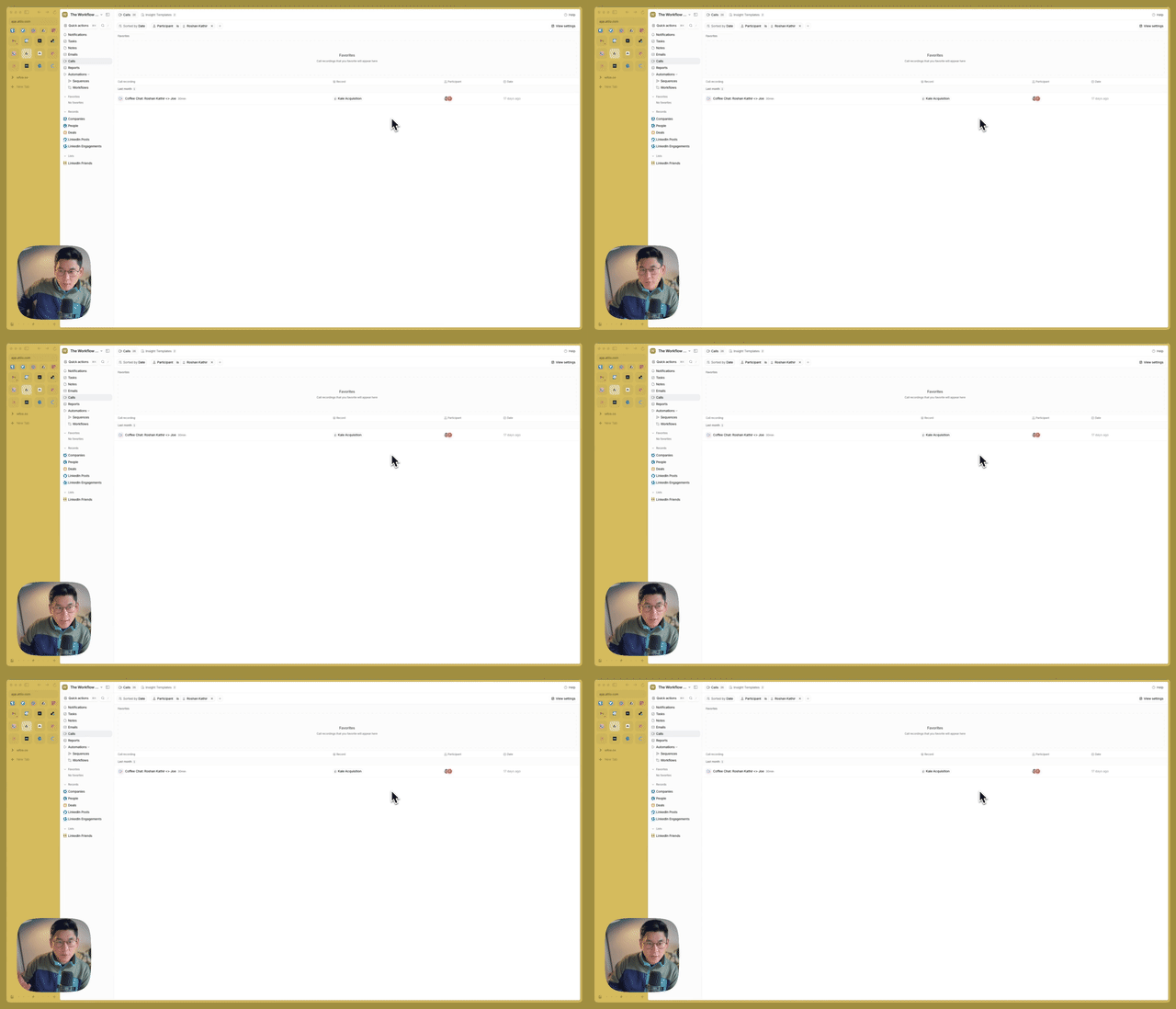

What You'll Learn
Discover Attio's native call recording capability that integrates meeting transcripts directly into your CRM. Create custom insight templates with AI prompts for sales methodologies, action item extraction, and relationship tracking.
Why This Matters
- Native Integration: No third-party call recorder needed—transcripts live in CRM
- Custom Insights: Build templates for your specific sales methodology
- Record Linkage: Calls automatically tied to people, companies, and deals
Key Steps Covered
- Recording Setup – Enable native call recording in Attio
- Transcript Review – View speakers, talk time, and full transcript
- Insight Templates – Create custom prompts for AI analysis
- Template Application – Apply SPICED, default, or custom templates to calls
Tools & Integrations
- Attio: Native call recording and transcript storage
- AI Insights: Custom prompt templates for transcript analysis
- CRM Records: Automatic linking to people and companies
Common Questions
Q: How does this compare to dedicated tools like Fireflies or Gong? A: Attio's advantage is native CRM integration—no sync issues, transcripts live alongside deal data. Dedicated tools offer more features but require custom integrations. The tradeoff is simplicity vs. capability.
Q: Can you customize the AI prompts? A: Yes, create templates with specific prompts for your needs—SPICED methodology, technical requirements extraction, relationship insights. The prompts run against transcripts to generate bespoke summaries.