Plan
Testimonials
FAQ
Walkthroughs
Get Started
Plan
Testimonials
FAQ
Walkthroughs
Get Started
Walkthroughs
Automated Account Research: Company Intelligence on Deal Creation
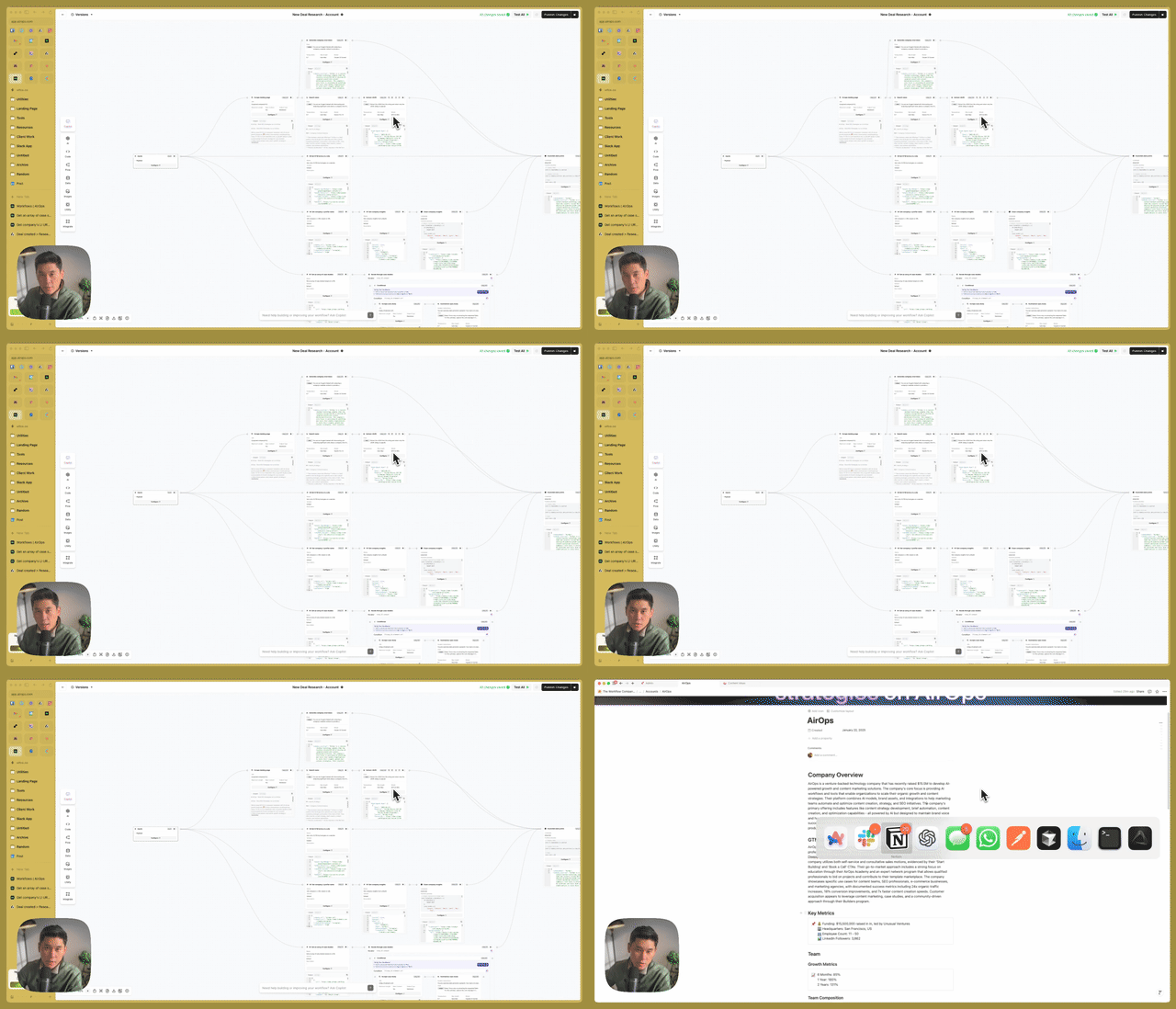
Trigger comprehensive account research when new deals are created in your CRM. Automatically generate company overviews, GTM analysis, tech stack detection, funding data, case studies, and recent news—all routed to Notion and Attio.
Attio
AirOps
What You'll Learn

Build an automated research workflow that triggers when deals are created in Attio. Pull company overview, GTM analysis, tech stack, funding, case studies, and news—then output to both Notion (shareable) and Attio (internal reference).

Why This Matters

  • Pre-Call Preparation: Get comprehensive account context automatically
  • Client Sharing: Generate Notion pages you can share with prospects
  • Modular Architecture: Reusable sub-workflows for each research type

Key Steps Covered

  • Deal Trigger – Send new deal data from Attio to AirOps
  • Parallel Research – Run company scrape, news search, case study extraction
  • Modular Workflows – Use embedded workflows for LinkedIn profile, case studies
  • Dual Output – Create Notion page and Attio note with research

Tools & Integrations

  • Attio: CRM with deal creation trigger
  • AirOps: Workflow orchestration with embedded sub-workflows
  • Google Gemini: Web research agent for news
  • Notion: Shareable research page output

Common Questions

Q: Why use embedded workflows in AirOps? A: Modularity. Each research function (case studies, LinkedIn lookup, tech stack) lives in its own workflow. Update the logic once, and all parent workflows get the improvement. Plus, reuse across different contexts.

Q: How do you handle the tech stack detection? A: A custom function scans the company website for installed technologies—GTM, analytics, CRM, chat widgets. This reveals their GTM sophistication level and potential integration points.

Build This for Us

Heading 1

Heading 2

Heading 3

Heading 4

Heading 5
Heading 6

Lorem ipsum dolor sit amet, consectetur adipiscing elit, sed do eiusmod tempor incididunt ut labore et dolore magna aliqua. Ut enim ad minim veniam, quis nostrud exercitation ullamco laboris nisi ut aliquip ex ea commodo consequat. Duis aute irure dolor in reprehenderit in voluptate velit esse cillum dolore eu fugiat nulla pariatur.

Block quote

Ordered list

  1. Item 1
  2. Item 2
  3. Item 3

Unordered list

  • Item A
  • Item B
  • Item C

Text link

Bold text

Emphasis

Superscript

Subscript

Recommendation Walkthrough
Attio
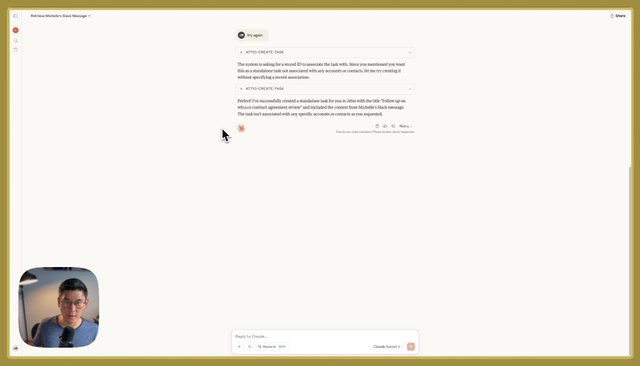
Connect MCPs to Claude: Multi-Tool AI Workflows in Under 10 Minutes
Set up your first Model Context Protocol (MCP) integration in under 10 minutes using Pipedream. Connect Claude to Slack, Attio, and other tools to create cross-platform AI workflows without switching browser tabs.
·
6:00
Attio
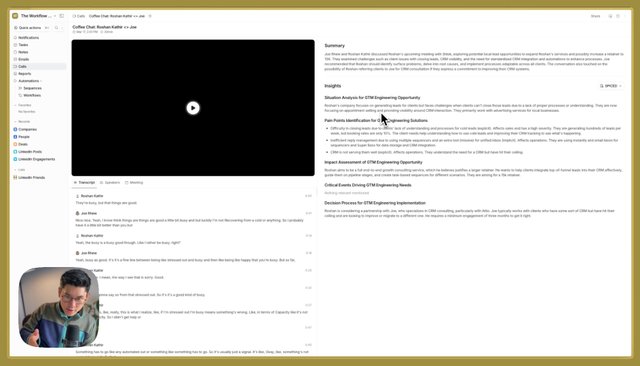
Attio Call Recording: Native Meeting Capture with AI-Powered Insights
Explore Attio's native call recording feature with customizable AI insight templates. Create prompts for SPICED methodology, action items extraction, and relationship insights—all tied directly to your CRM records.
·
5:52
Attio
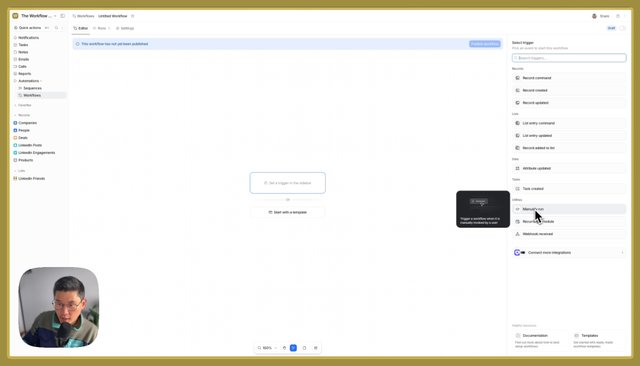
Attio Workflows: Building Automation with Triggers, Actions, and Conditions
Master Attio's workflow builder with this comprehensive overview. Learn triggers (webhooks, record events, manual commands), action blocks, conditional logic, loops, and how to integrate external tools via HTTP requests.
·
7:40
Attio
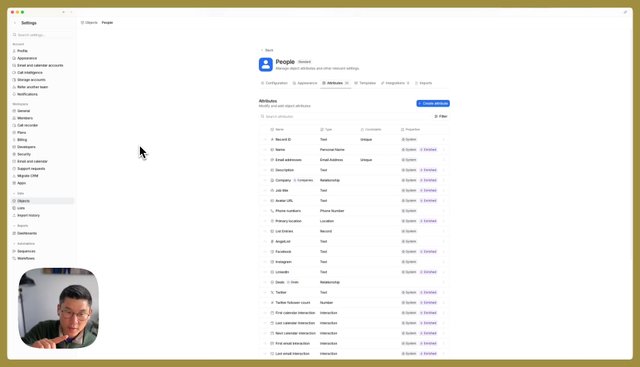
Attio CRM Overview: Objects, Relationships, and Custom Data Modeling
Get a complete overview of Attio CRM architecture: objects, attributes, relationships, lists, and views. Learn how to model custom objects like products or LinkedIn engagements and create the relationships that match your business context.
·
7:13
Attio
Connect MCPs to Claude: Multi-Tool AI Workflows in Under 10 Minutes
Set up your first Model Context Protocol (MCP) integration in under 10 minutes using Pipedream. Connect Claude to Slack, Attio, and other tools to create cross-platform AI workflows without switching browser tabs.
·
6:00
Attio
Attio Call Recording: Native Meeting Capture with AI-Powered Insights
Explore Attio's native call recording feature with customizable AI insight templates. Create prompts for SPICED methodology, action items extraction, and relationship insights—all tied directly to your CRM records.
·
5:52
Attio
Attio Workflows: Building Automation with Triggers, Actions, and Conditions
Master Attio's workflow builder with this comprehensive overview. Learn triggers (webhooks, record events, manual commands), action blocks, conditional logic, loops, and how to integrate external tools via HTTP requests.
·
7:40
Home
Walkthroughs
Policies
©2025 The Workflow Company