Attio to Clay Integration: Automated LinkedIn URL Enrichment
Build a bidirectional integration between Attio and Clay to automatically enrich CRM contacts with LinkedIn URLs. Learn webhook patterns, record ID passing, and how to update CRM records after Clay enrichment completes.
Attio
Clay

What You'll Learn
Create an integration that sends Attio contacts to Clay for LinkedIn URL enrichment, then receives the enriched data back via webhook. Master the pattern of passing record IDs through Clay to enable accurate CRM updates.
Why This Matters
- Data Completeness: Automatically fill LinkedIn URLs for all CRM contacts
- Bidirectional Sync: Send data out, receive enriched data back
- Scalable Pattern: Apply this webhook pattern to any Clay enrichment
Key Steps Covered
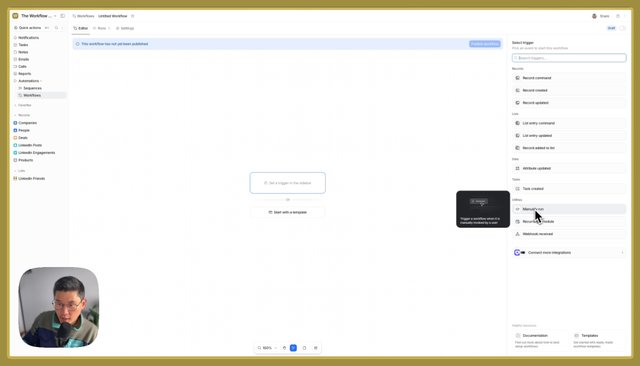
- Attio Trigger – Find records with missing LinkedIn URLs, send to Clay
- Clay Processing – Receive webhook, enrich with Serper search
- Record ID Passing – Include Attio record ID in Clay payload
- Webhook Return – Send enriched data back to Attio, update correct record
Tools & Integrations
- Attio: CRM with workflow automation
- Clay: Person enrichment with web search
- Serper: Google search API for LinkedIn profile discovery
Common Questions
Q: Why split this into two Attio workflows? A: Clay can only receive webhooks and send webhooks—it can't respond synchronously to API calls. So you need one workflow to send data out, and another to receive the enriched data back.
Q: How do you match the enriched data to the right CRM record? A: Pass the Attio record ID to Clay as part of the payload. When Clay sends the webhook back, include that same record ID so Attio knows which record to update.
Build This for Us
Recommendation Walkthrough